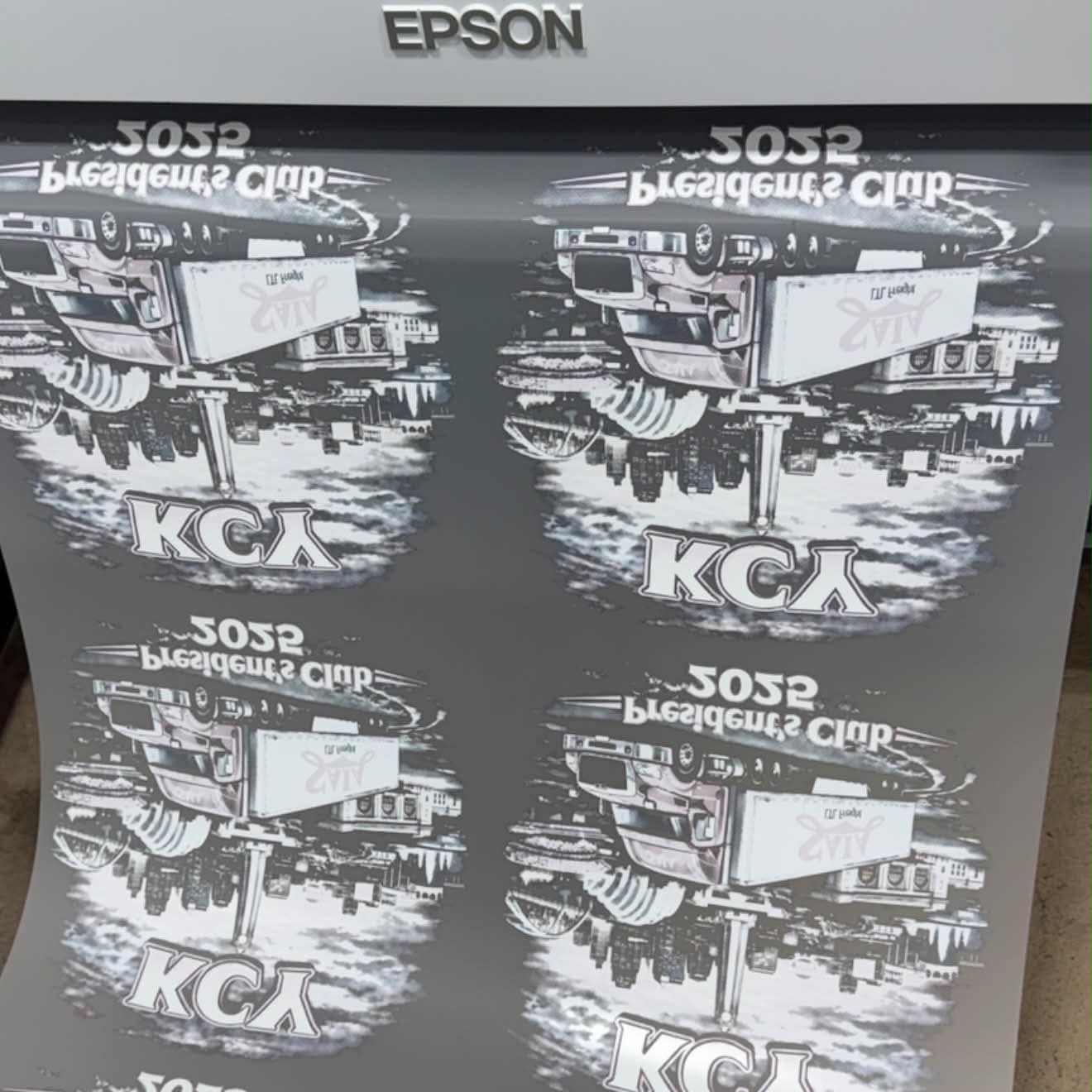
For best results, raster artwork should be 300 DPI at the final print size and have a transparent background.
Vector artwork will produce the best possible print quality whenever available.
Accepted file types: PNG, PDF, and SVG
Artwork should be submitted in RGB color mode. Our production software will convert the artwork to our CMYK print workflow.
If your file is greater than 300 DPI, please verify the artwork dimensions inside the Gang Sheet Builder before placing your order. Higher-resolution files can sometimes import at a different physical size than expected.
Please carefully review the size and placement of all artwork in the Gang Sheet Builder before submitting your order. Artwork will be printed at the size shown in the builder.
Ultimate Performance Prints is not responsible for incorrect sizing, low quality artwork, poor resolution files, or color differences caused by improperly prepared or submitted artwork.
Due to differences in monitors, screens, and display settings, printed colors may vary from what you see on your screen.
Recommended Pressing Instructions
Every heat press is a little different, but these are the settings we use in our shop.
After peeling film, we recommend a second press for 10 seconds using heavy canvas.
Because heat presses can vary in actual temperature and pressure, we recommend testing your settings before beginning a production run. Some heat presses may require a slightly higher temperature, longer press time, or additional pressure than the settings listed above due to differences in calibration and heat distribution.
If a transfer is lifting or peeling from the garment after pressing, the most common causes are insufficient pressure, too low of a temperature, or not enough press time. Verify that your heat press is reaching the correct temperature and applying firm, even pressure across the entire transfer. If necessary, gradually increase the temperature, pressure, or press time until proper adhesion is achieved.